Fasting timer for Chrome
See how long is left in your fast from your browser toolbar. Start from your last meal, plan across midnight and finish when you choose.
Download extension ZIPVersion 1.0.0 · Desktop Chrome 120+ · Free
Manual installation instructions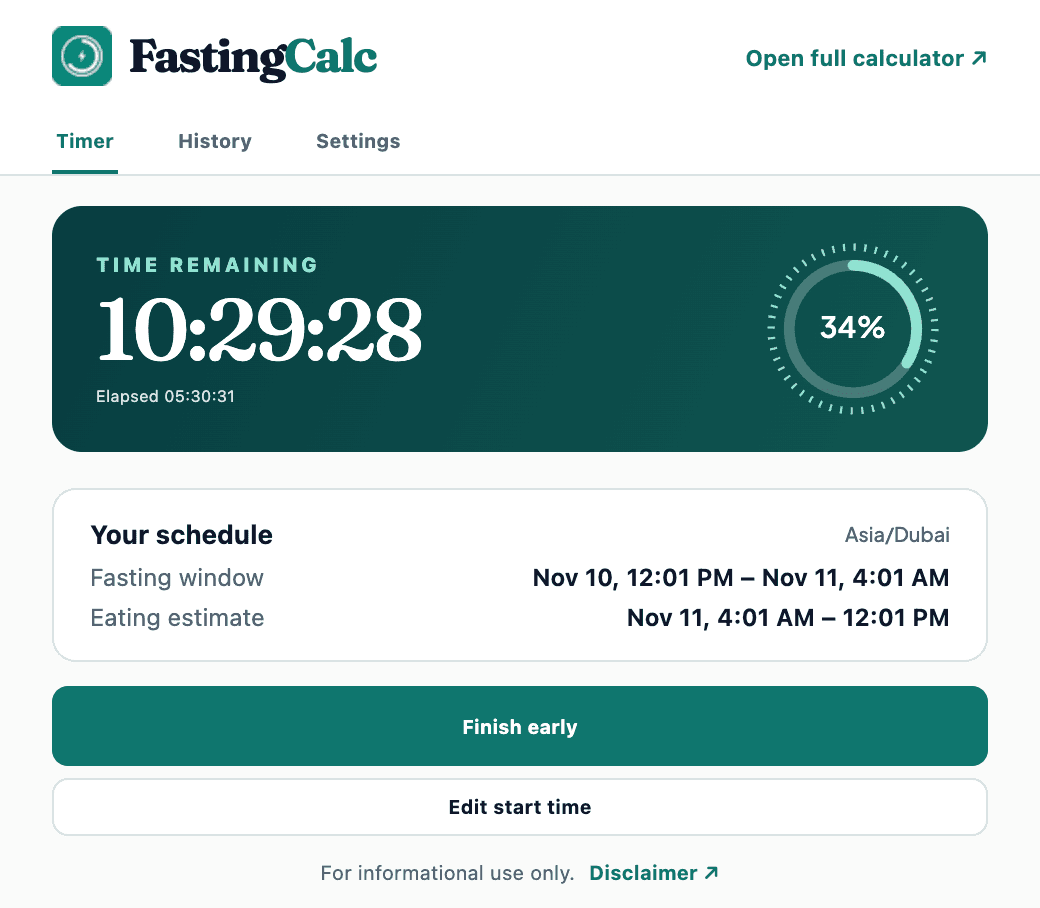
Install from the ZIP
- Download the ZIP and extract it into a folder you can keep on your computer.
- Open
chrome://extensionsin desktop Chrome and turn on Developer mode. - Choose Load unpacked and select the extracted folder containing
manifest.json. - Open Chrome’s Extensions menu, pin FastingCalc and click its icon to choose a schedule.
Your timer and privacy
Choose a preset or a custom fast of 1–24 hours. The timer works offline, restores when you reopen Chrome and keeps the last seven finished sessions in this browser profile.
The extension sends no fasting records to the website. You can clear history, reset all local data or turn off completion reminders in the popup. Reminders depend on Chrome running and your device’s notification settings.
For informational use only. Disclaimer · Contact support